
Finger Picker
Everyone places a finger on the screen, Finger Picker counts down, and the result appears. Pick one person, assign a turn order, or split the group into two teams without setup.

Pick One
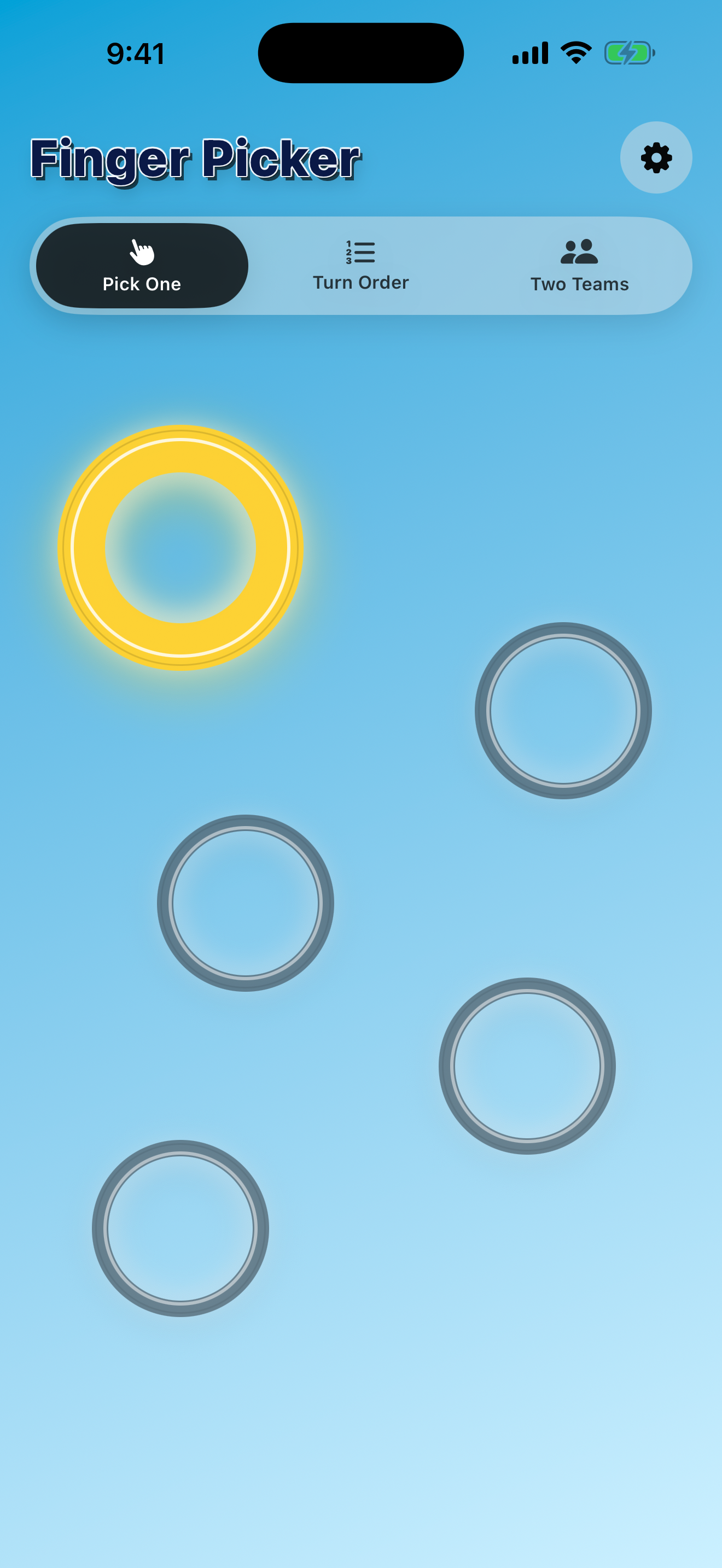
Use the classic mode when the group needs one random choice. The winning finger gets a bright ring after the countdown.
Turn Order
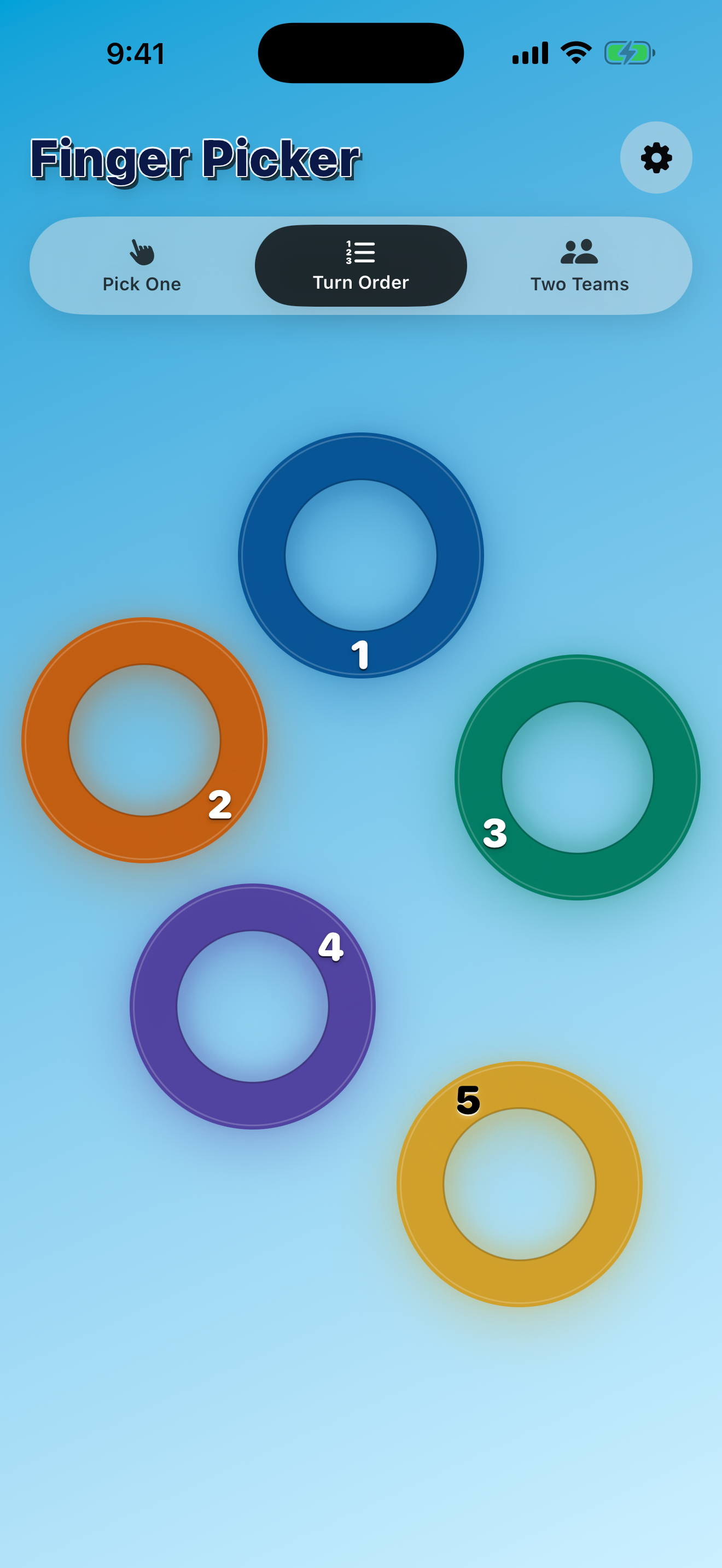
Assign everyone a place in order, useful for board games, turns, or choosing who goes first, second, and third.
Two Teams
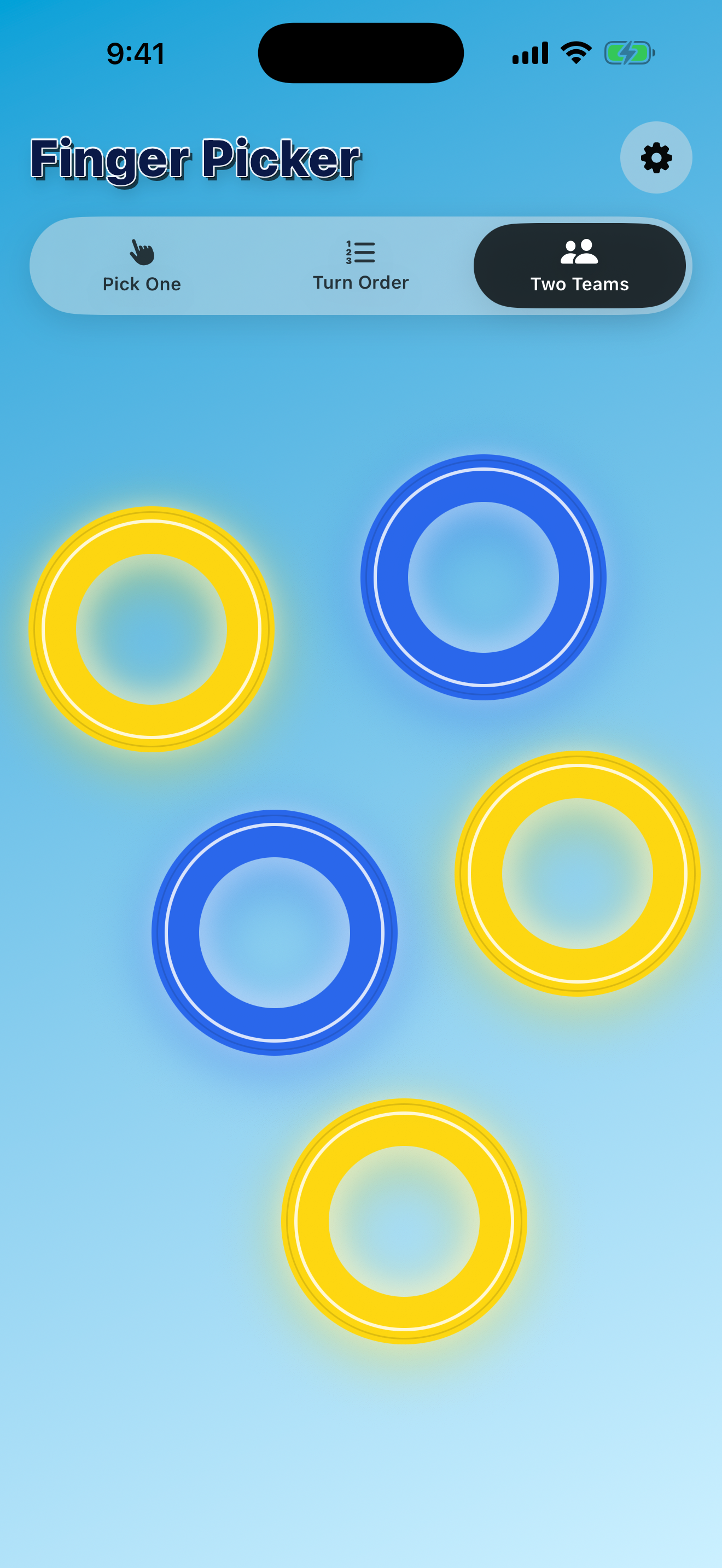
Split the active fingers into two random teams with clear yellow and blue team colors on the result screen.
Choose in seconds
Finger Picker starts only when two or more fingers are touching the screen. Add another finger during the countdown and the timer resets, keeping the choice fair.
The result stays visible until everyone lifts their finger, then the app returns to idle for the next round.
Three modes, no setup
Switch between Pick One, Turn Order, and Two Teams from the main picker. The selected mode is remembered for next time.
Customize the background in settings with a solid color, gradient, or photo from your library.
App Showcase